Programming
Getting AI-generated Markdown into Telegram with copied.md
An AI coding assistant can give me a status update with a heading, a few bullets, some inline code, and links with useful names. Then I copy it into Telegram. The spacing changes, the emphasis disappears, or a short link label takes up a whole line once the address is visible.
I built copied.md to make that handoff easier. It converts the Markdown I already copied locally and prepares versions the destination app can read.
Try it with a release update
Here’s a short example like the kind of update I might copy from an AI coding assistant.
## Release check

- **Shipped:** The preview build is ready.
- **Next:** Review `main` and read the [build notes](https://github.com/0xdoublesharp/copied.md).
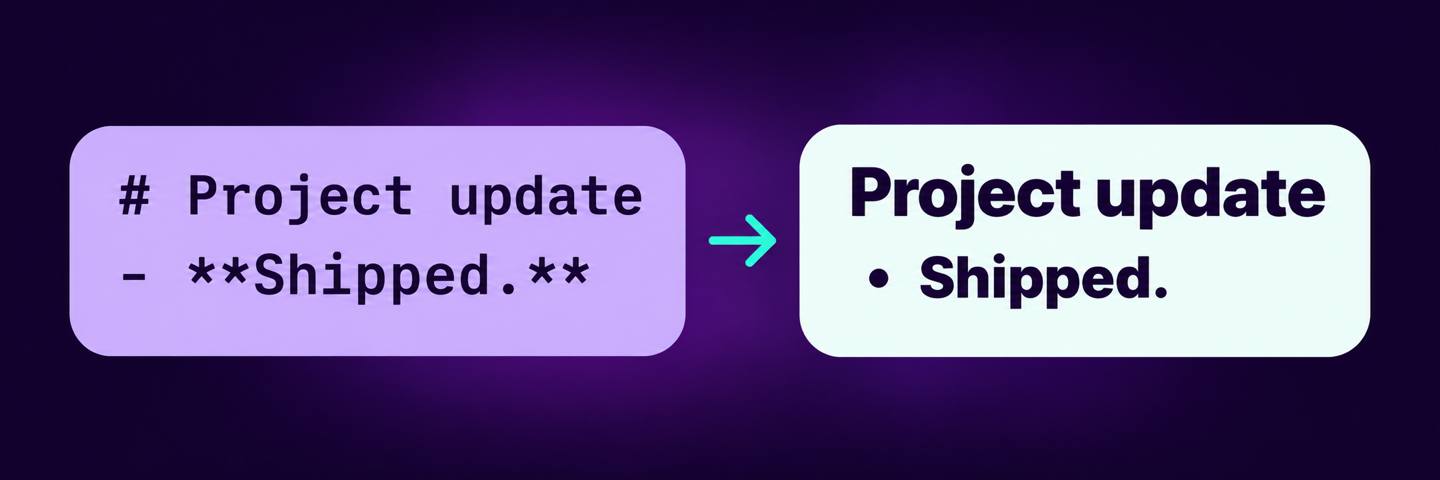
If the paste is treated as literal text, the Markdown punctuation comes along for the ride. With copied.md open on macOS, I copy the reply, press ⌃⌥⌘M, choose Telegram, and paste normally.
Why the Telegram client matters
The clipboard can carry several versions of the same text. copied.md’s Telegram target offers plain text and HTML, plus RTF through the macOS app. Telegram for macOS reads RTF and can keep the clickable build notes label and spacing, even when it drops bold or monospace. Telegram Desktop clients that accept HTML can keep the heading bold, the bullet lead-ins emphasized, and main in inline code.
If the client takes plain text, the formatting falls back to spaced bullets and a full link address. This is the plain-text result the converter produces for the example above.
Release check

• Shipped: The preview build is ready.

• Next: Review main and read the build notes (https://github.com/0xdoublesharp/copied.md).
Use the same reply somewhere else
I can choose Slack for its message composer, Rich Text for an editor that accepts HTML, or Plain Text when I want the link addresses visible. The macOS app reads the clipboard when I invoke it. If I copy something else while the picker is open, the older conversion won’t overwrite the newer copy.
The same converter is available as a browser extension, a VS Code extension, a CLI, and an MCP server. The copied.md app guide covers the clipboard workflow. The GitHub README has build instructions for each version.